
Mathematics that looks like the exercise book
CASDesk is a computer algebra system for German upper secondary schools. Formulas look the way they are written, graphs show what is being calculated, and an exam mode makes the app ready for class tests and the Abitur, the German university-entrance examination.
- Windows
- Mac
- iPad
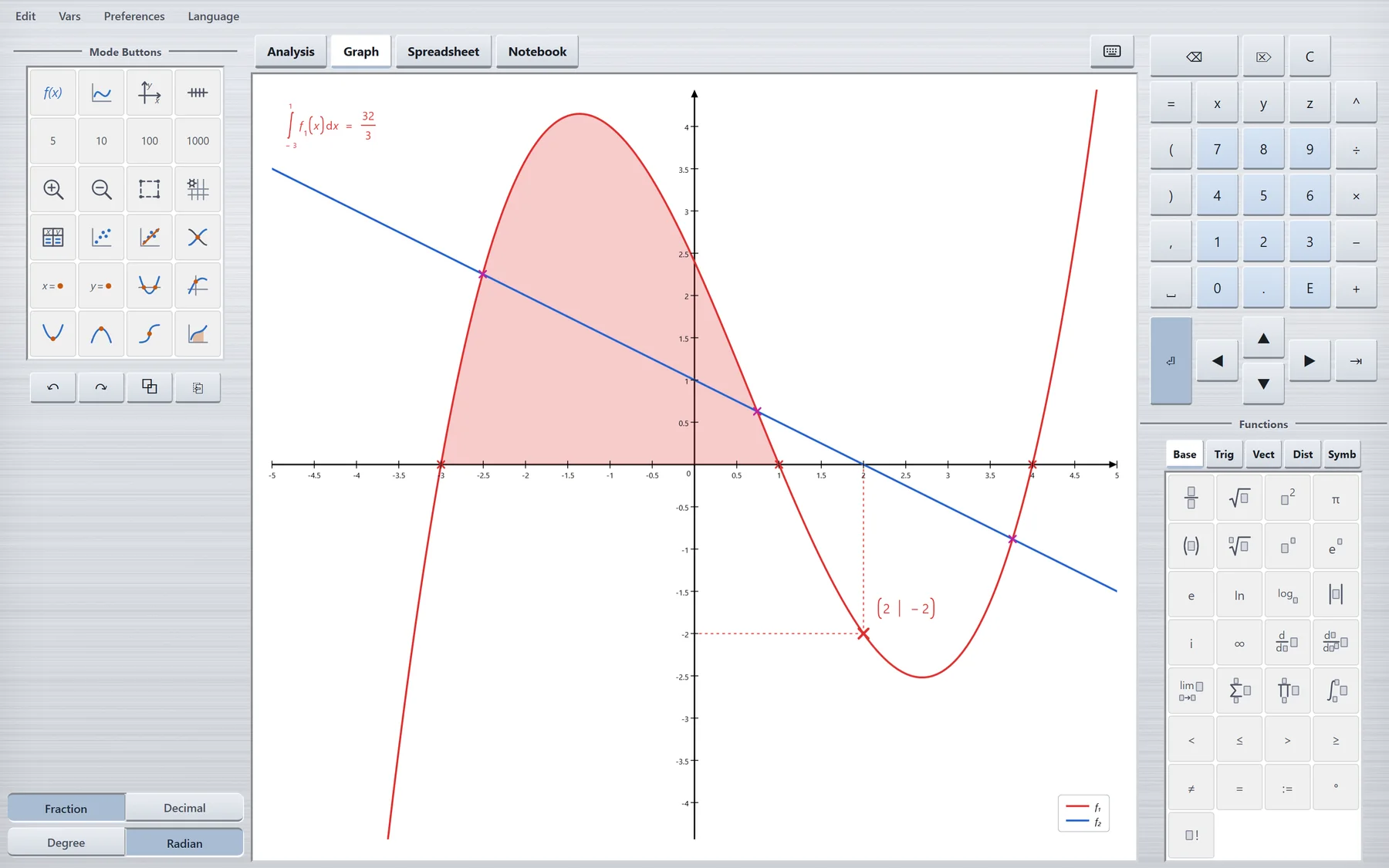
Four modes, one tool
Everything that is calculated, drawn and written down in upper-school mathematics, in one place and with the same input.
Calculate and transform
Solve equations, differentiate, integrate, work with vectors and matrices, exactly as fractions and roots or as decimals when wanted.
Plot functions
Up to ten functions at once, with zeros, extrema and inflection points, intersections, integrals and tables of values.
Data and statistics
A spreadsheet with formulas, summary statistics, distributions and charts, optionally with the controls people know from Excel.
Write and construct
A digital exercise book with pen, ruler, set square and compass, which takes in graphs, charts, pictures and PDFs.
What makes CASDesk different
Small things that matter in a lesson, because the app writes and calculates the way it is done on the board.
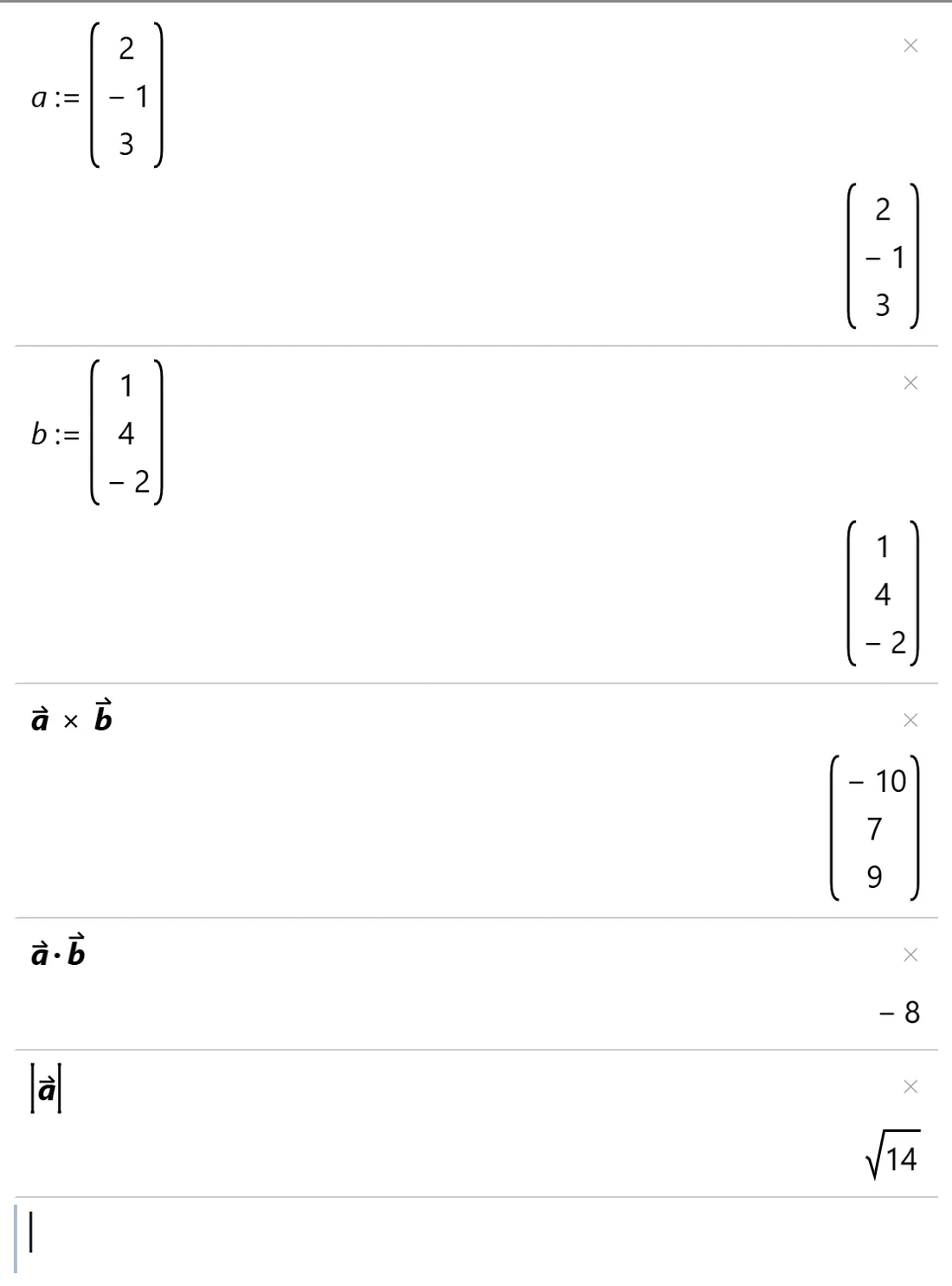
Vectors as variables
A vector is defined once and then used by its name. CASDesk recognises it as a vector and adds the arrow by itself.
- Cross product, dot product and magnitude on their own keys
- Angle between vectors, matrices, determinant, eigenvalues
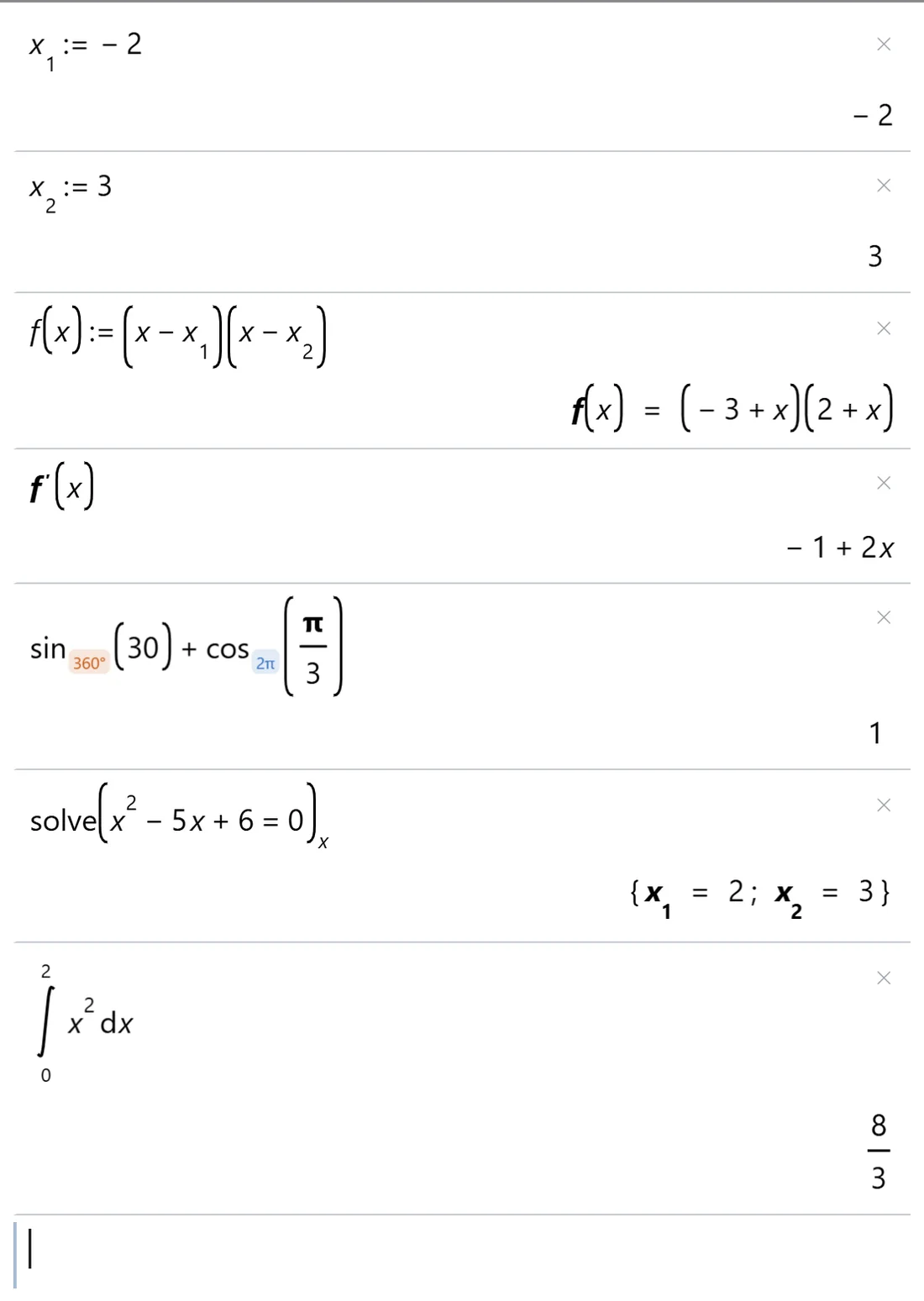
Subscripts and angles as in the exercise book
Variables are called x1 and x2, not x1 and x2. And every trigonometric function carries its own small tag 2π360°, switched with a tap.
- No forgotten degree mode: every calculation shows whether it works in degrees or radians.
- Exact results: x1 = 2; x2 = 3, ∫ x² dx from 0 to 2 = 8/3.
Graphs that make sense
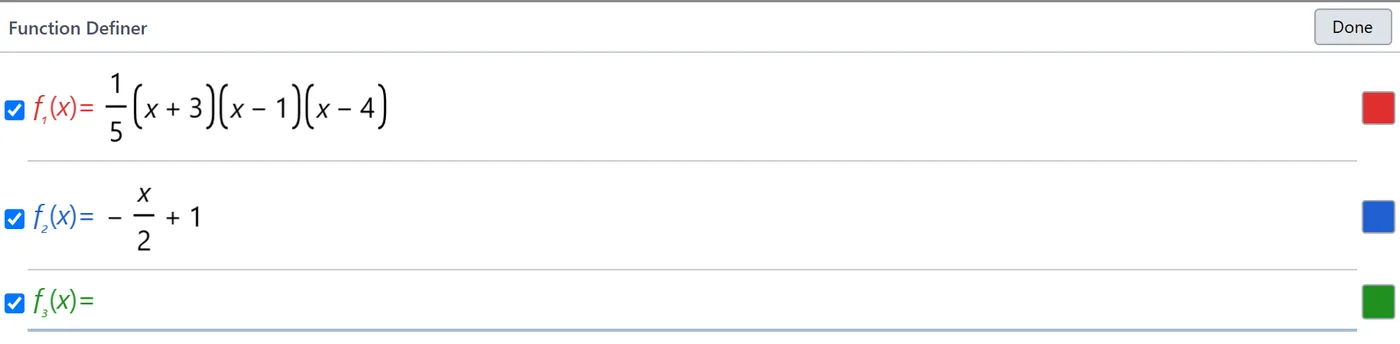
Functions are entered as they appear in the textbook, as fractions, products, with brackets. What is examined on the graph stays visible: points with their coordinates, integrals as a shaded area with an exact value.
- Zeros, intersections, extrema and inflection points
- Read off x and y values, tables of values, regression
For class tests and the Abitur
From the 2030 Abitur, all German federal states apply common rules to digital aids. CASDesk is being developed to these rules as a modular mathematics system (MMS) and is intended for submission to the central approval process.
An exam mode inside the app
For an exam, the app enables exactly the functions the rules allow. Everything else is locked.
Profiles for every exam
Ready-made profiles for the Abitur, plus the teacher's own profiles for class tests that allow more or less.
A report for the invigilator
A clearly visible band shows which profile is running. At the end there is a report of the exam, including whether the app was left.
For the school's IT
On school devices, IT can set up exams centrally, on Windows, on the Mac and, in future, on the iPad.
CASDesk is not yet approved. Whether and from when the app may be used in an exam is decided by the Standing Conference of Education Ministers (KMK) and the federal states.
No internet, no account
Calculates on the device
The maths engine is part of the app. CASDesk needs no internet connection and sends no data anywhere.
No sign-in
No account, no email address, no advertising. Students' work stays on their own device.
In many languages
The app can be used in German, English and twelve other languages.
CASDesk is not yet available. Questions, suggestions, or interest from your school? Write to kontakt@casdesk.de.